And you end up with bytes. Just raw bytes that you send to the printer - also with libraries that I created...
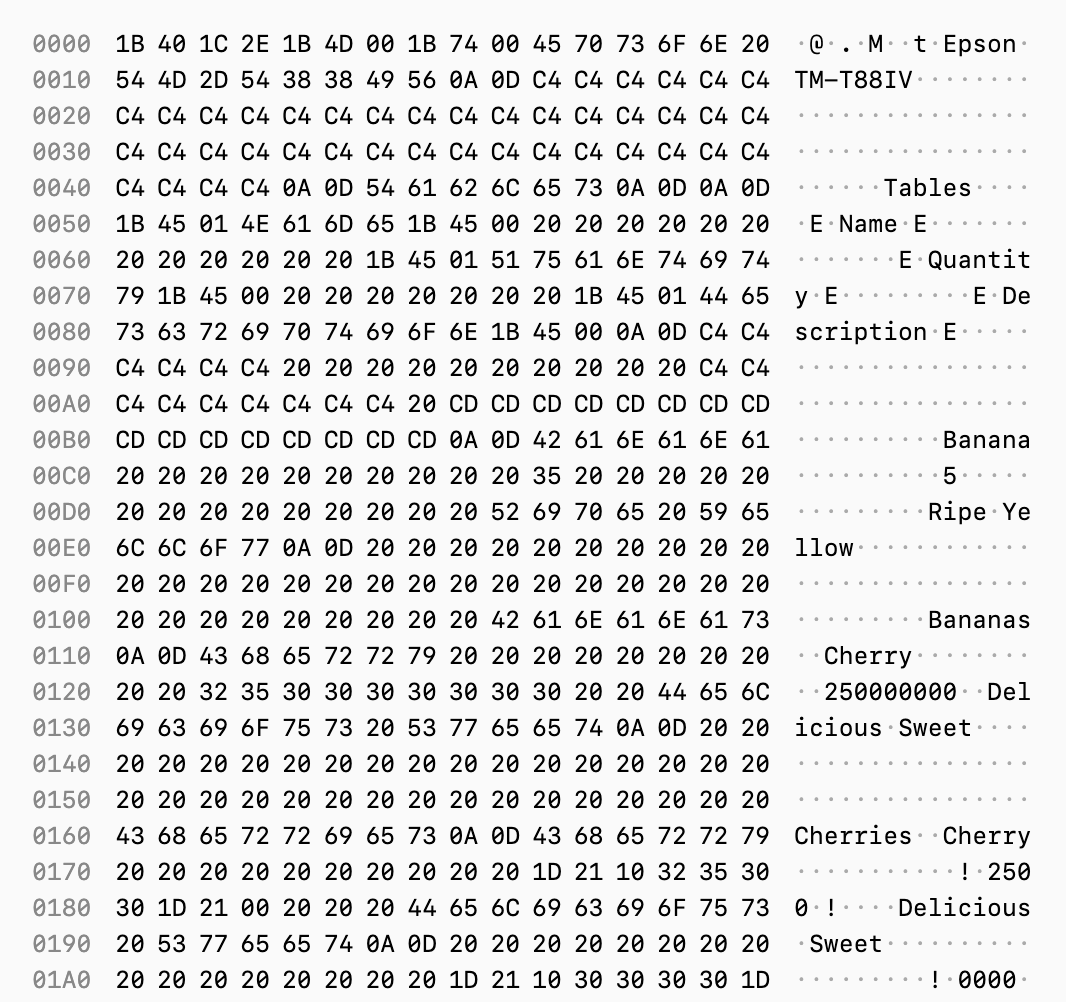
And you end up with bytes. Just raw bytes that you send to the printer - also with libraries that I created...
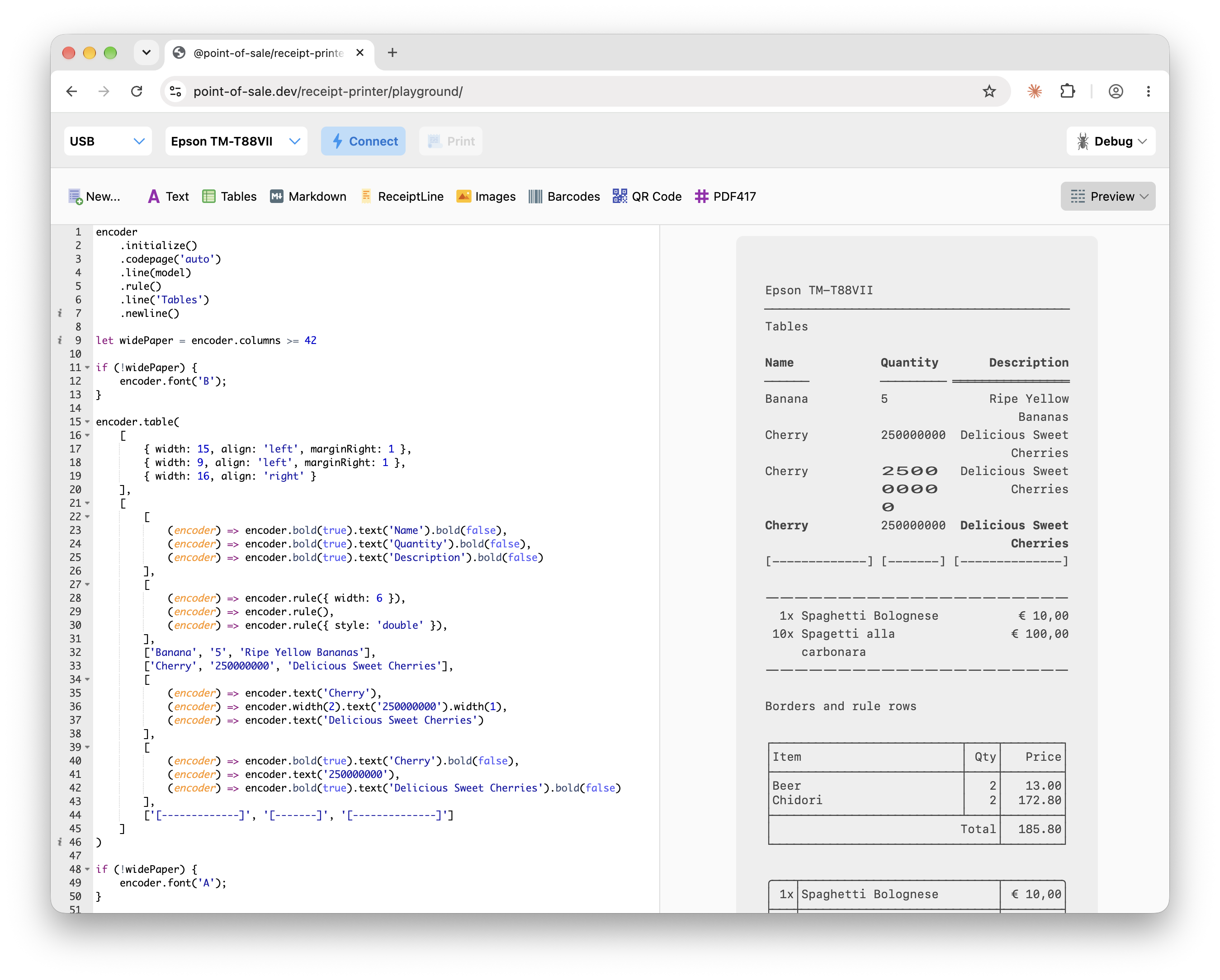
But let's rewind. You start with some JavaScript and my ReceiptPrinterEncoder library to create the actual receipt. From JavaScript, in the browser or a server. Or using Capacitor or Electron. I've build integrations for everything.
And this is what I've been spending my evenings on lately. A decoder for receipt printer protocols. You can take the bytes that get send to a receipt printer and inspect the commands that are inside of it. And... actually see a render of the receipt.
Only useful for a hand full of people. And me.
RE: https://front-end.social/@heydon/117315437800953545
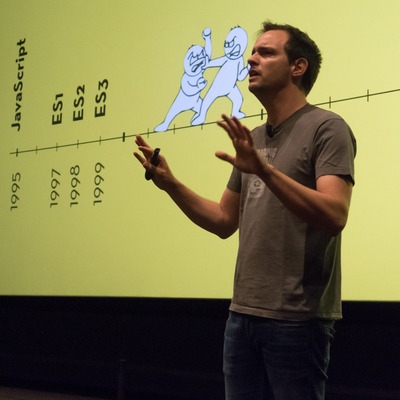
I've seen Heydon's talk a week or two ago at @smashingconf and it was amazing. I just loved it so much.
So if you want to see it... come down to Dordrecht in The Netherlands... A handful of tickets are still available.
Fronteers Dark Mode conference is next week! Monday I'll send badges to the printer... which means if you want a proper badge... sign up now!
We've got a handful of tickets left and they are only €100 for an evening of front-end talks by some amazing speakers.
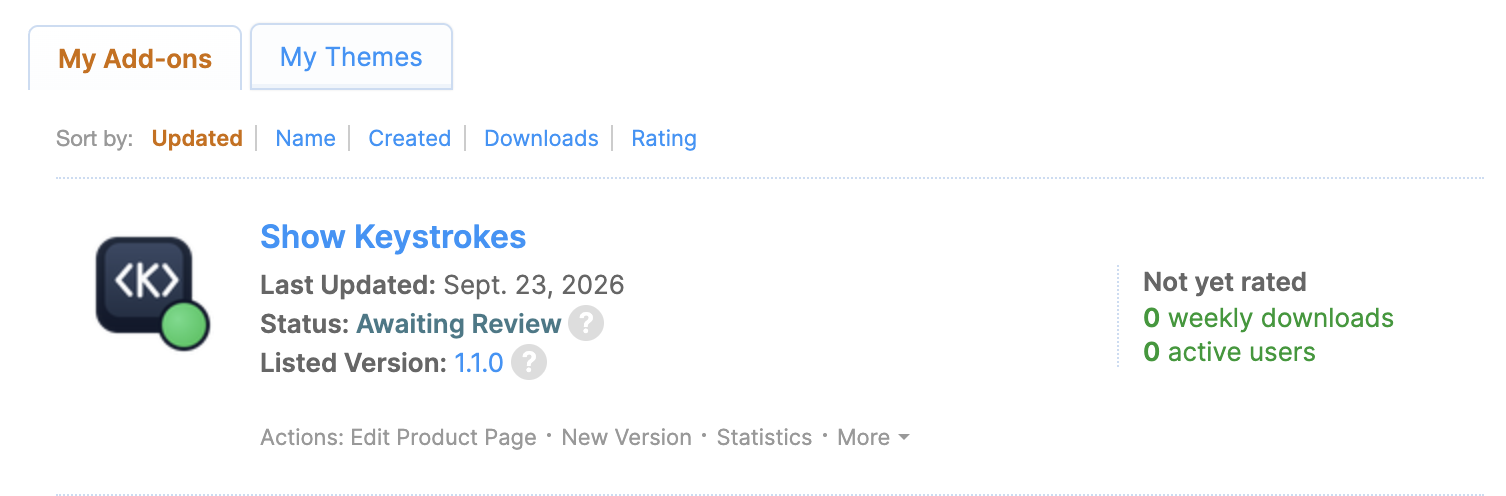
Yes, you too get an extension, Firefox. 🦊❤️
(Review Pending)
Bram.us
• Bramus!
When recording screen casts or doing live demos, I typically rely on a native macOS app to visualize my keystrokes on screen. Recently, however, that app got blocked on my work machine by a corporate security policy. Additionally, the keystrokes visualized through that app don’t show up when screen sharing a specific window or tab.
Because I needed to demo a website that relies heavily on keyboard navigation — and thus really needed those keystrokes to be visible to the audience — I found myself in a bit of a pickle. So with the help of Gemini, I decided to build a web-native solution to fill that gap: <show-keystrokes>

Original Content – Bram.us
• Bramus!
When recording screen casts or doing live demos, I typically rely on a native macOS app to visualize my keystrokes on screen. Recently, however, that app got blocked on my work machine by a corporate security policy. Additionally, the keystrokes visualized through that app don’t show up when screen sharing a specific window or tab.
Because I needed to demo a website that relies heavily on keyboard navigation — and thus really needed those keystrokes to be visible to the audience — I found myself in a bit of a pickle. So with the help of Gemini, I decided to build a web-native solution to fill that gap: <show-keystrokes>
Look, a blog post: https://brm.us/show-keystrokes
Bram.us
• Bramus!
Chrome 154 adds support for responsively-sized iframes, letting an <iframe> size itself based on the intrinsic size of its embedded document. This is perfect for seamlessly embedding third-party comment widgets, varying-height social media embeds, or any other type of embed that uses an <iframe>.
Original Content – Bram.us
• Bramus!
Chrome 154 adds support for responsively-sized iframes, letting an <iframe> size itself based on the intrinsic size of its embedded document. This is perfect for seamlessly embedding third-party comment widgets, varying-height social media embeds, or any other type of embed that uses an <iframe>.
You can easily position the component in the top right corner of the viewport (default), next to the cursor, or just inline.
Stays on top thanks to the Popover API. Repositions itself thanks to CSS Anchor Positioning.
Also comes as a bookmarklet and extension (pending review), to run on any site.
Another week, another package: https://show-keystrokes.netlify.app/
The native app I typically use to display keystrokes on the screen is disallowed by a corp policy.
So I wrote a component to fill that gap. Embed it on your site and you’re good to go.
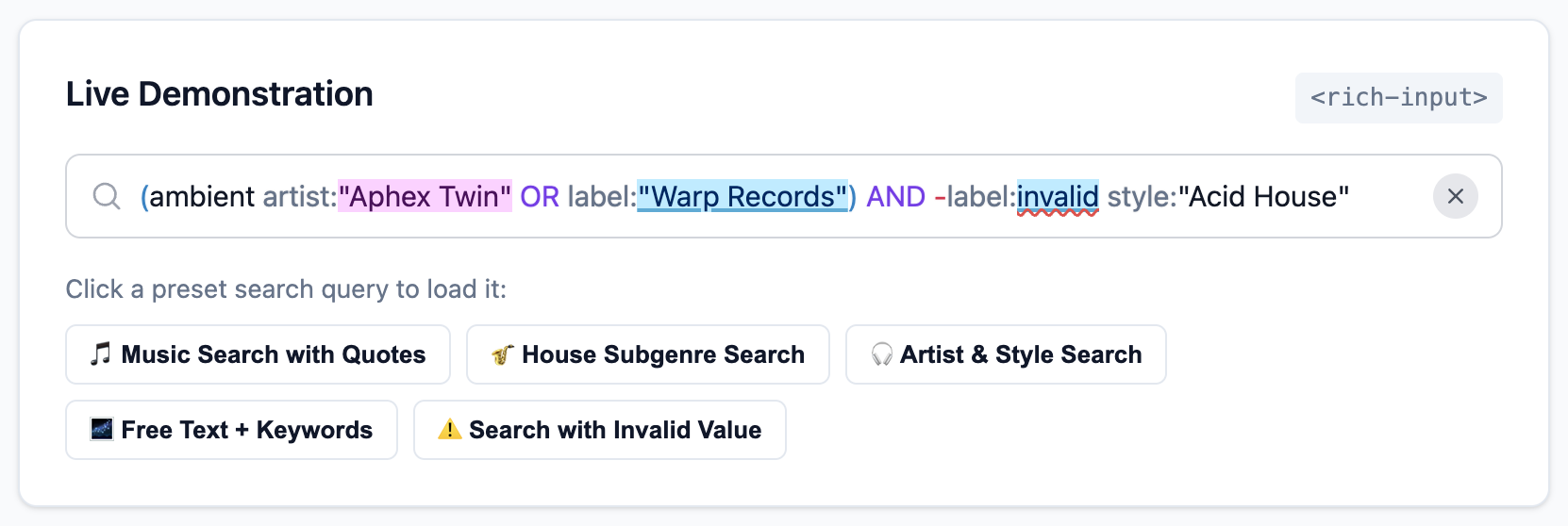
New in version 1.4.0: Support for (configurable) Operators, Combinators, and Delimiters.
→ https://brm.us/rich-input-demo
(Hit the “📦 Grouped Query with Delimiters” button in the demo to see the new feature in action)
Bram.us
• Bramus!
One detail that has always bugged me about publishing a package to NPM is how build output paths like dist/ can leak into the public API.
Turns out, npm publish can do it, but to make it work seamlessly in a real-world project, you need a few extra pieces in place. Let me walk you through how it works.
New on the blog: Ship cleaner packages (without the `./dist` or `./src` folder) by publishing a subfolder to NPM
Original Content – Bram.us
• Bramus!
One detail that has always bugged me about publishing a package to NPM is how build output paths like dist/ can leak into the public API.
Turns out, npm publish can do it, but to make it work seamlessly in a real-world project, you need a few extra pieces in place. Let me walk you through how it works.
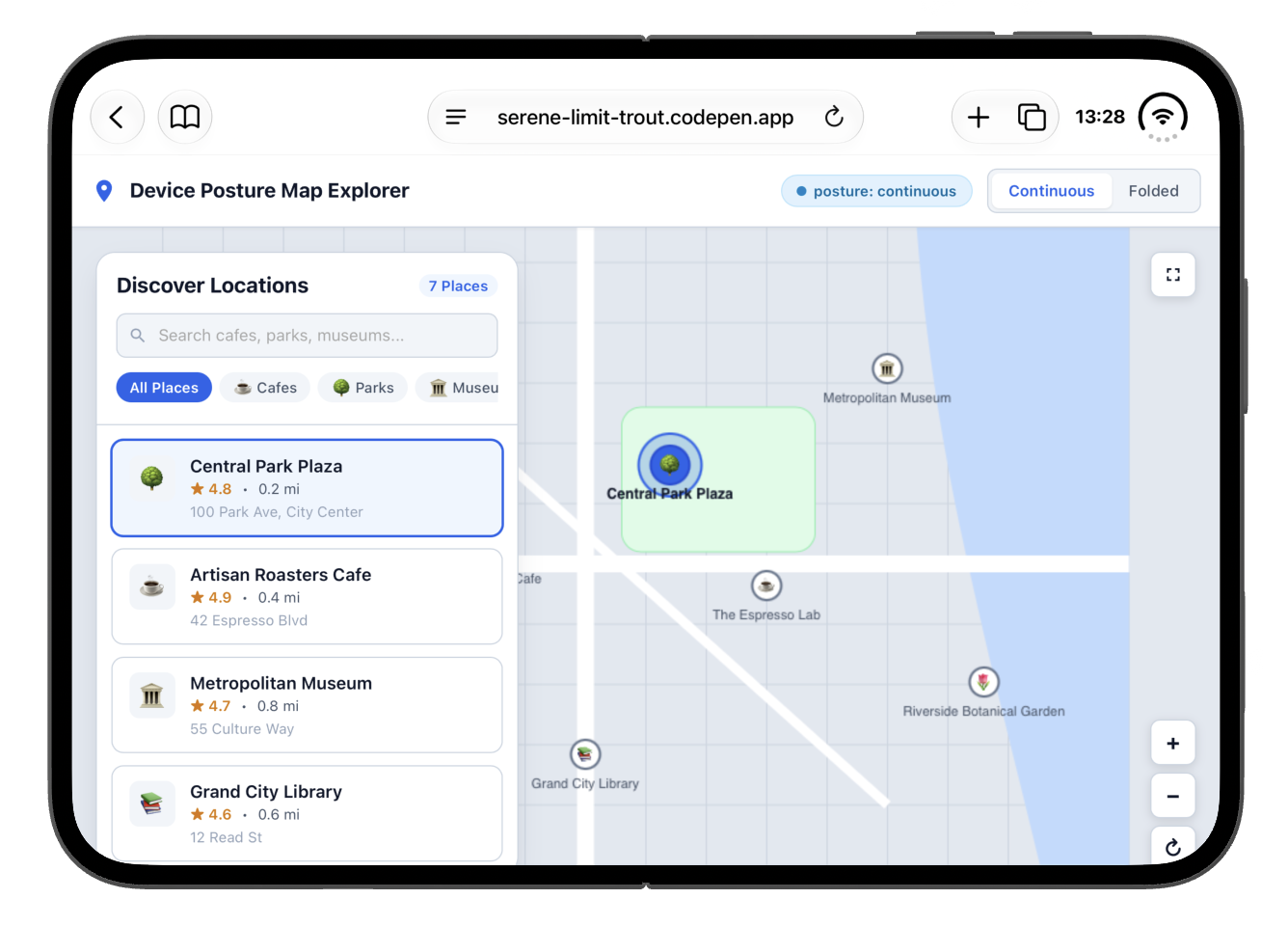
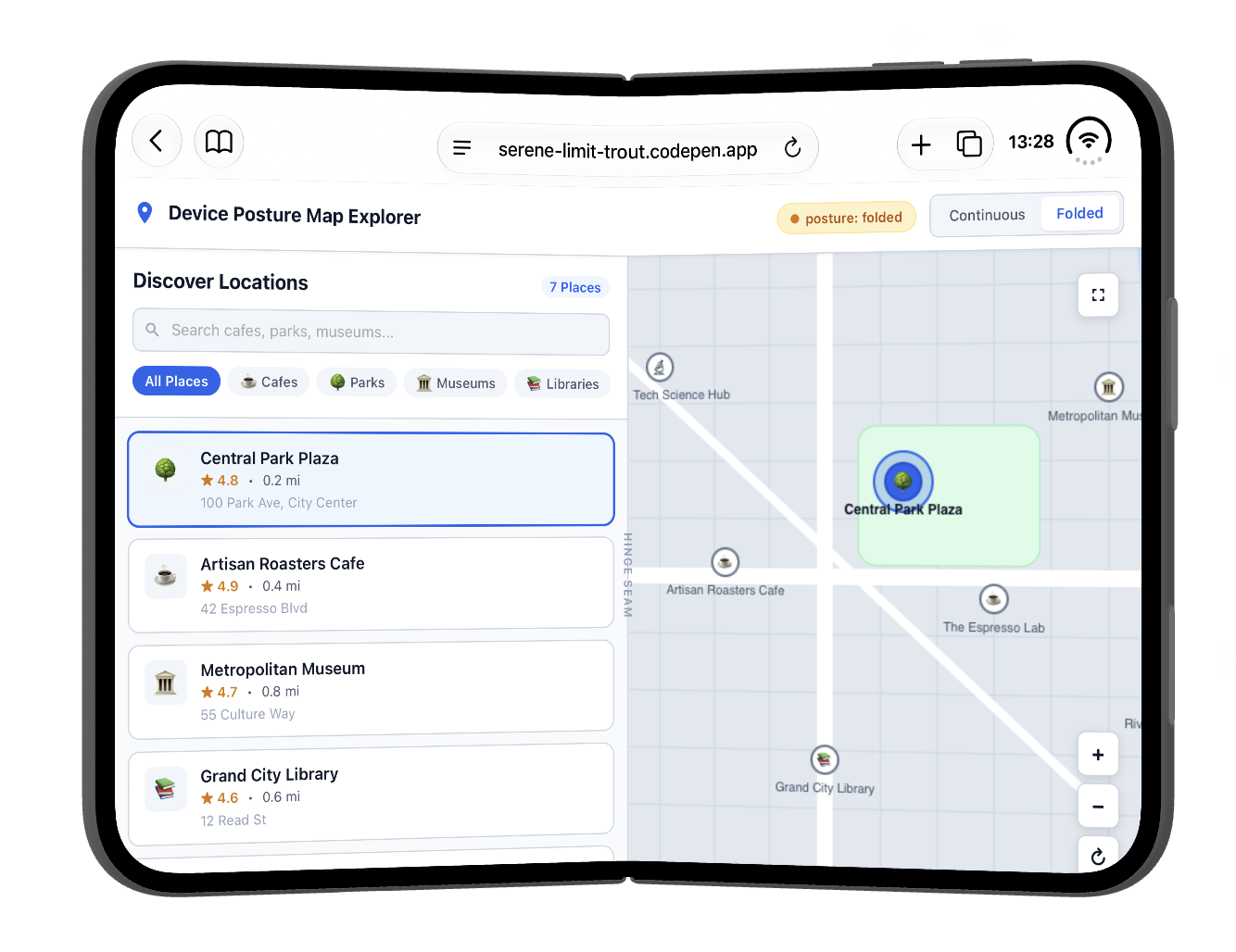
Device Posture API on the iPhone Duo: check! 🎉
Live demo: https://serene-limit-trout.codepen.app
(It’s behind a feature flag … and that is a bit hidden in the Simulator because the “Feature Flags” option is placed below the fold)
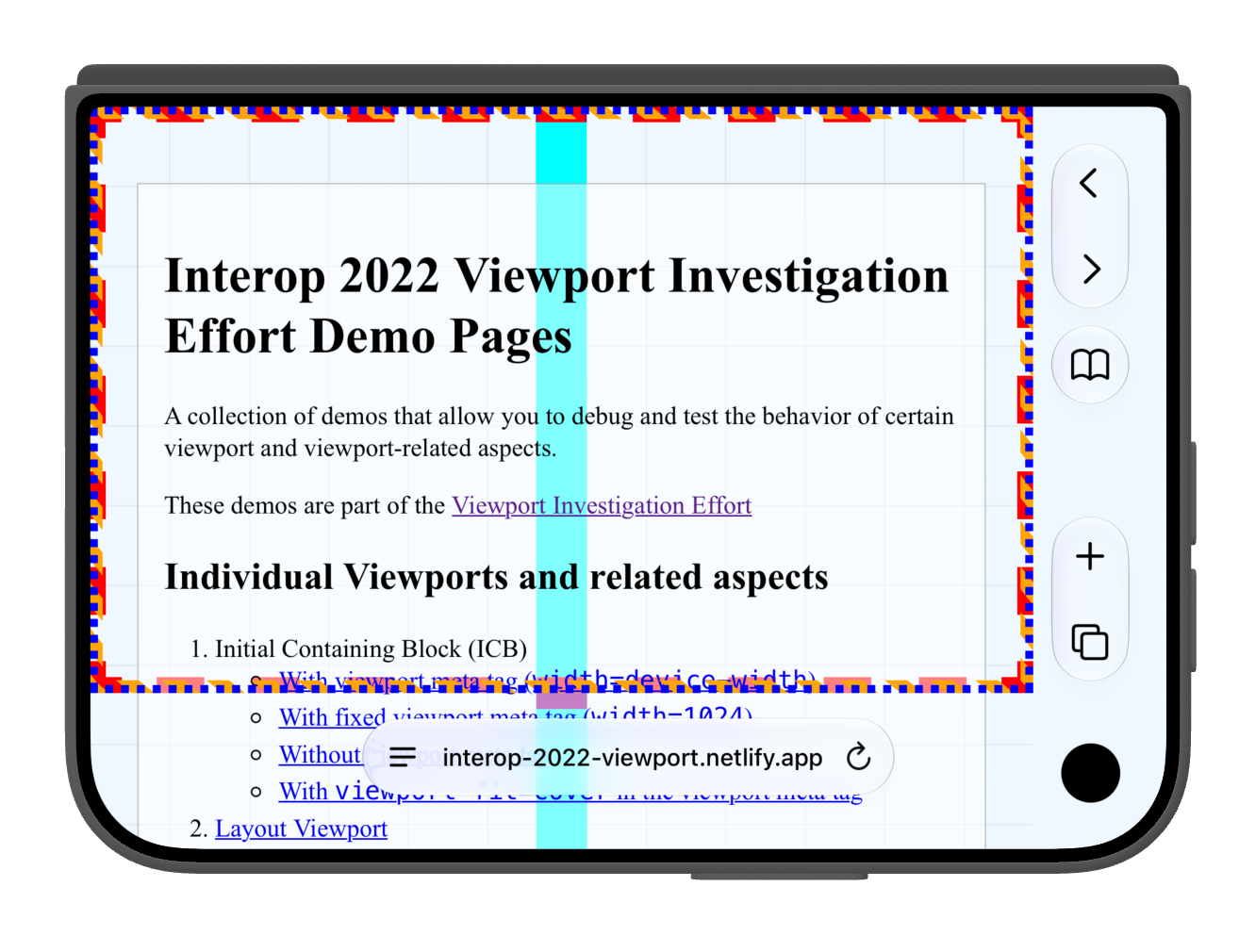
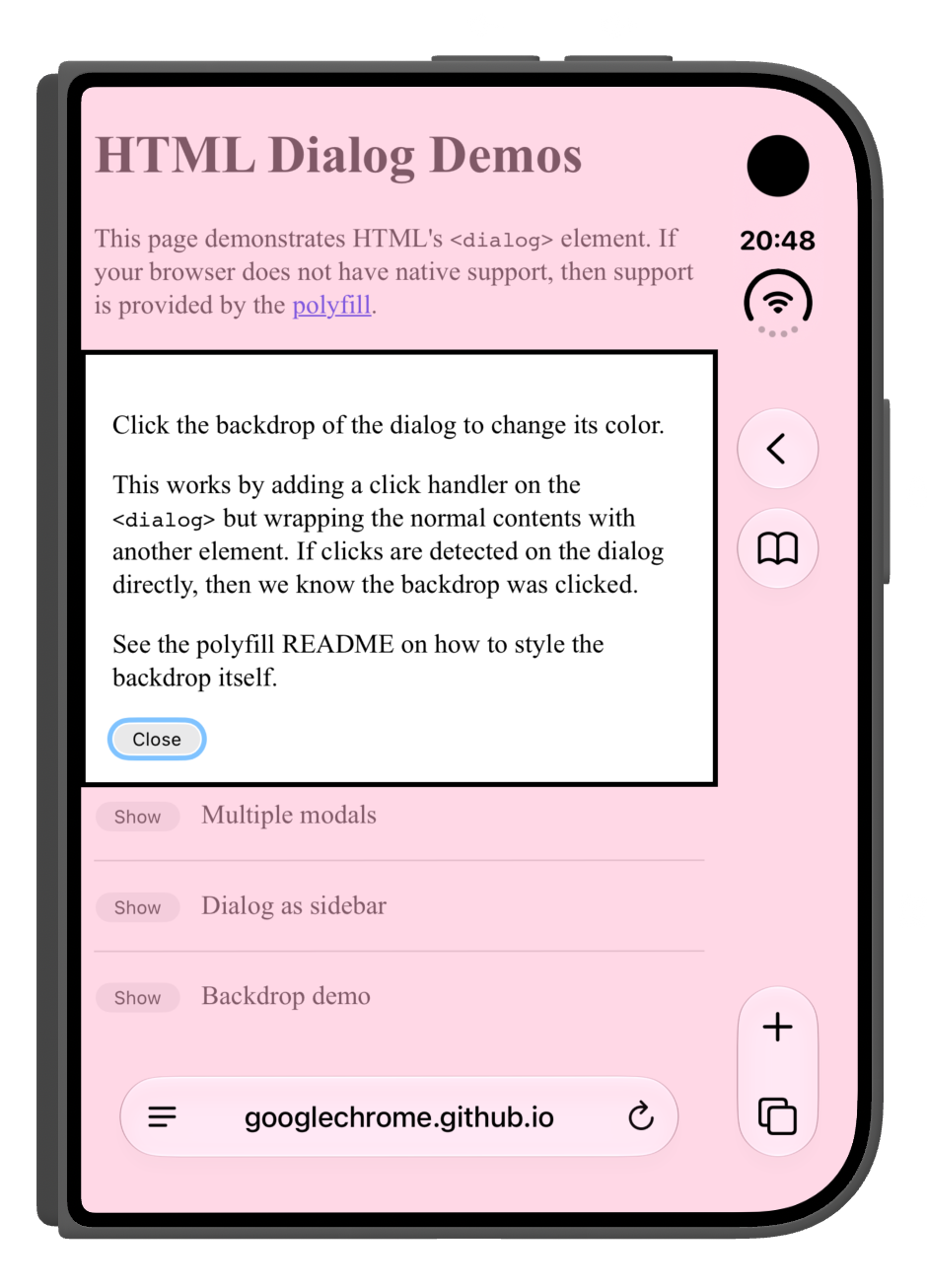
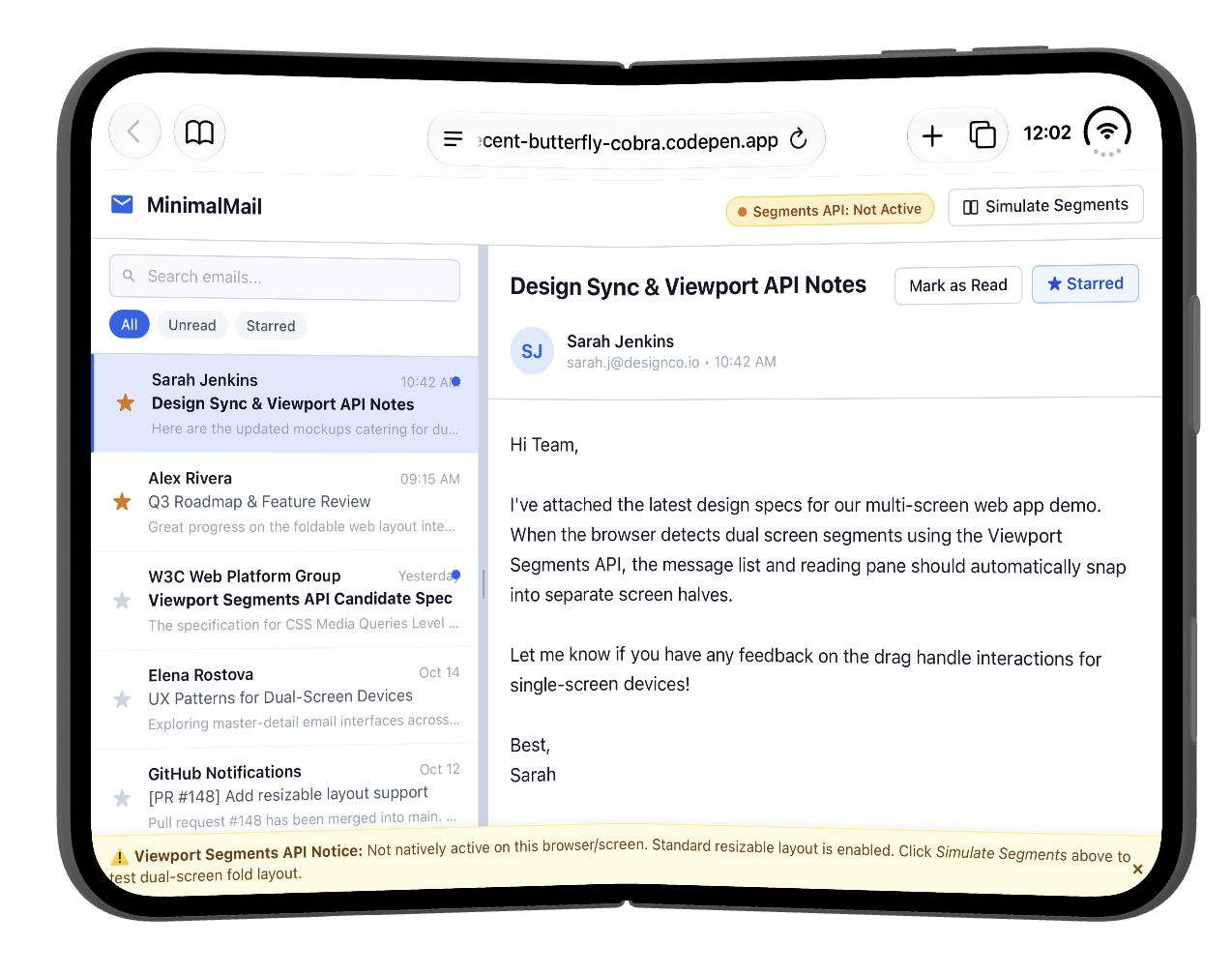
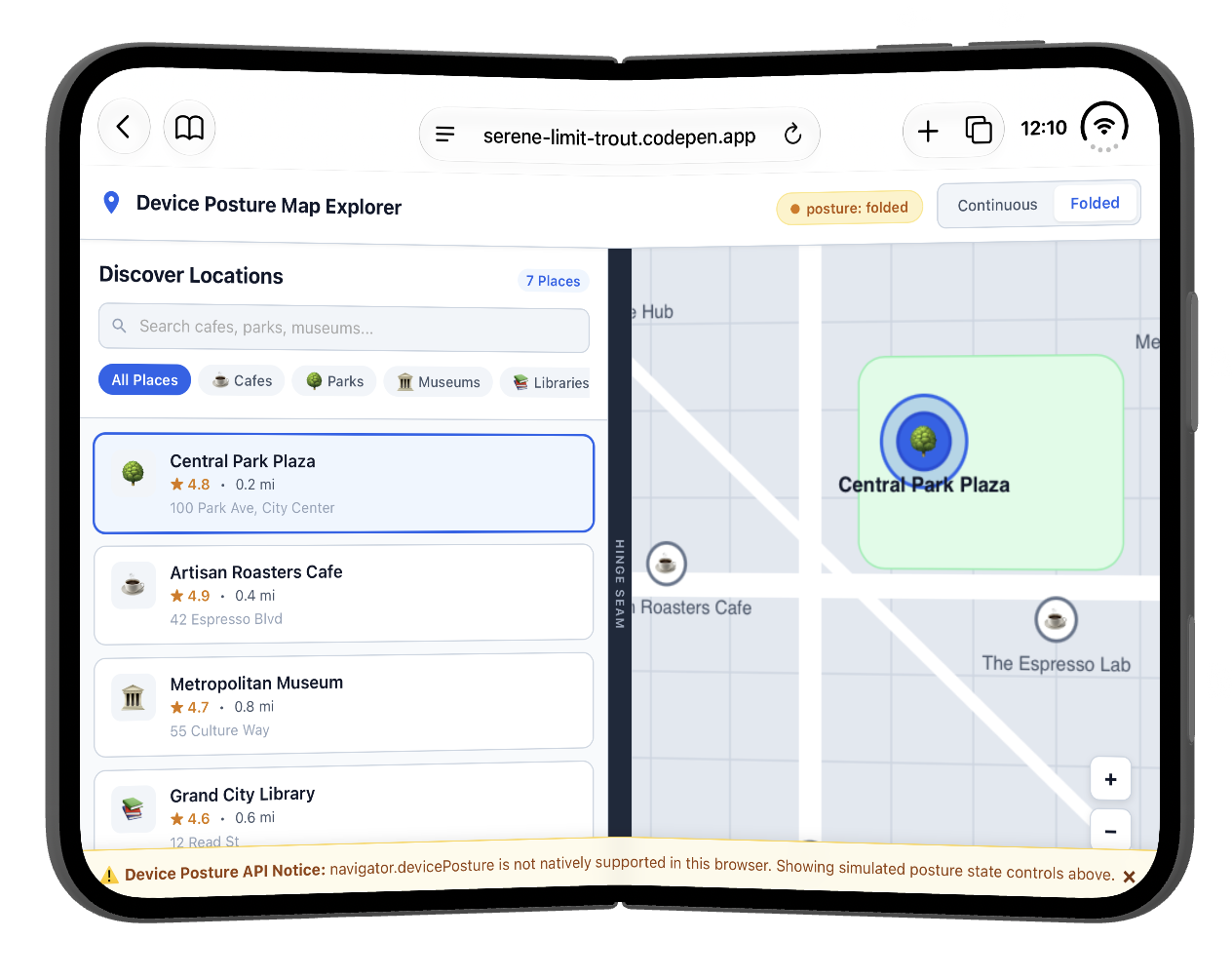
I am checking out viewports (and more) on the iPhone Duo and am documenting things over at Bluesky.
https://bsky.app/profile/bram.us/post/3mvvqnzqk3c2w
Some screenshots to get you started …
Two weeks from now Fronteers Dark Mode will happen in Dordrecht in The Netherlands. There are still a few tickets left. Be quick ⚠️
Join us for an afternoon and evening of great talks. With a spectacular line up: Anjana Vakil, @tunetheweb, @Cyd, @csswizardry and @heydon.
And let's not forget our amazing MC:
@jaffathecake.
Tickets are just €99 ⭐️ and a two-course dinner is included as well 🍽️ @fronteers members will get a 50 euro discount.
🎟️ www.fronteersconf.org