New in version 1.4.0: Support for (configurable) Operators, Combinators, and Delimiters.
→ https://brm.us/rich-input-demo
(Hit the “📦 Grouped Query with Delimiters” button in the demo to see the new feature in action)
New in version 1.4.0: Support for (configurable) Operators, Combinators, and Delimiters.
→ https://brm.us/rich-input-demo
(Hit the “📦 Grouped Query with Delimiters” button in the demo to see the new feature in action)
Bram.us
• Bramus!
One detail that has always bugged me about publishing a package to NPM is how build output paths like dist/ can leak into the public API.
Turns out, npm publish can do it, but to make it work seamlessly in a real-world project, you need a few extra pieces in place. Let me walk you through how it works.
New on the blog: Ship cleaner packages (without the `./dist` or `./src` folder) by publishing a subfolder to NPM

Original Content – Bram.us
• Bramus!
One detail that has always bugged me about publishing a package to NPM is how build output paths like dist/ can leak into the public API.
Turns out, npm publish can do it, but to make it work seamlessly in a real-world project, you need a few extra pieces in place. Let me walk you through how it works.
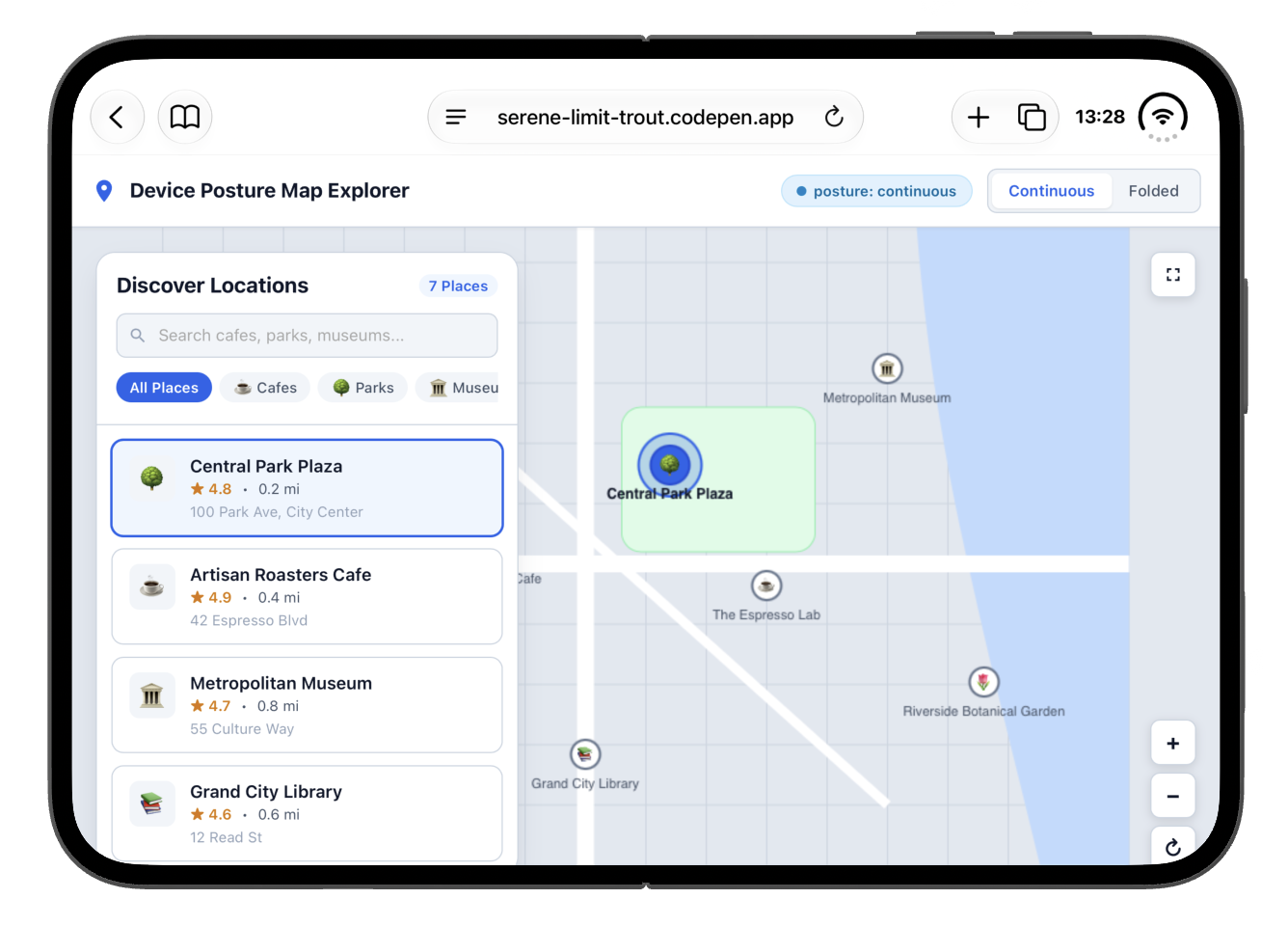
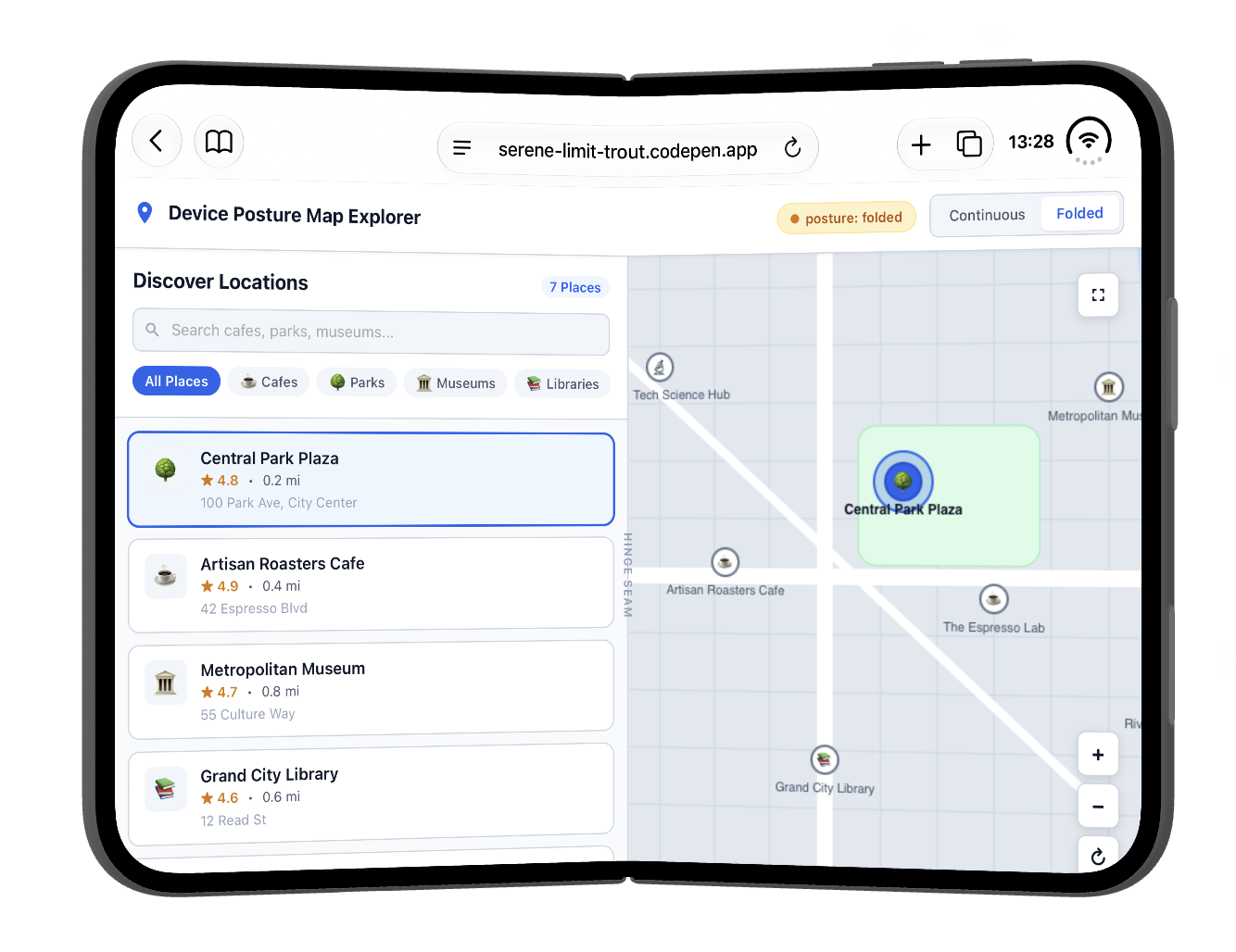
Device Posture API on the iPhone Duo: check! 🎉
Live demo: https://serene-limit-trout.codepen.app
(It’s behind a feature flag … and that is a bit hidden in the Simulator because the “Feature Flags” option is placed below the fold)
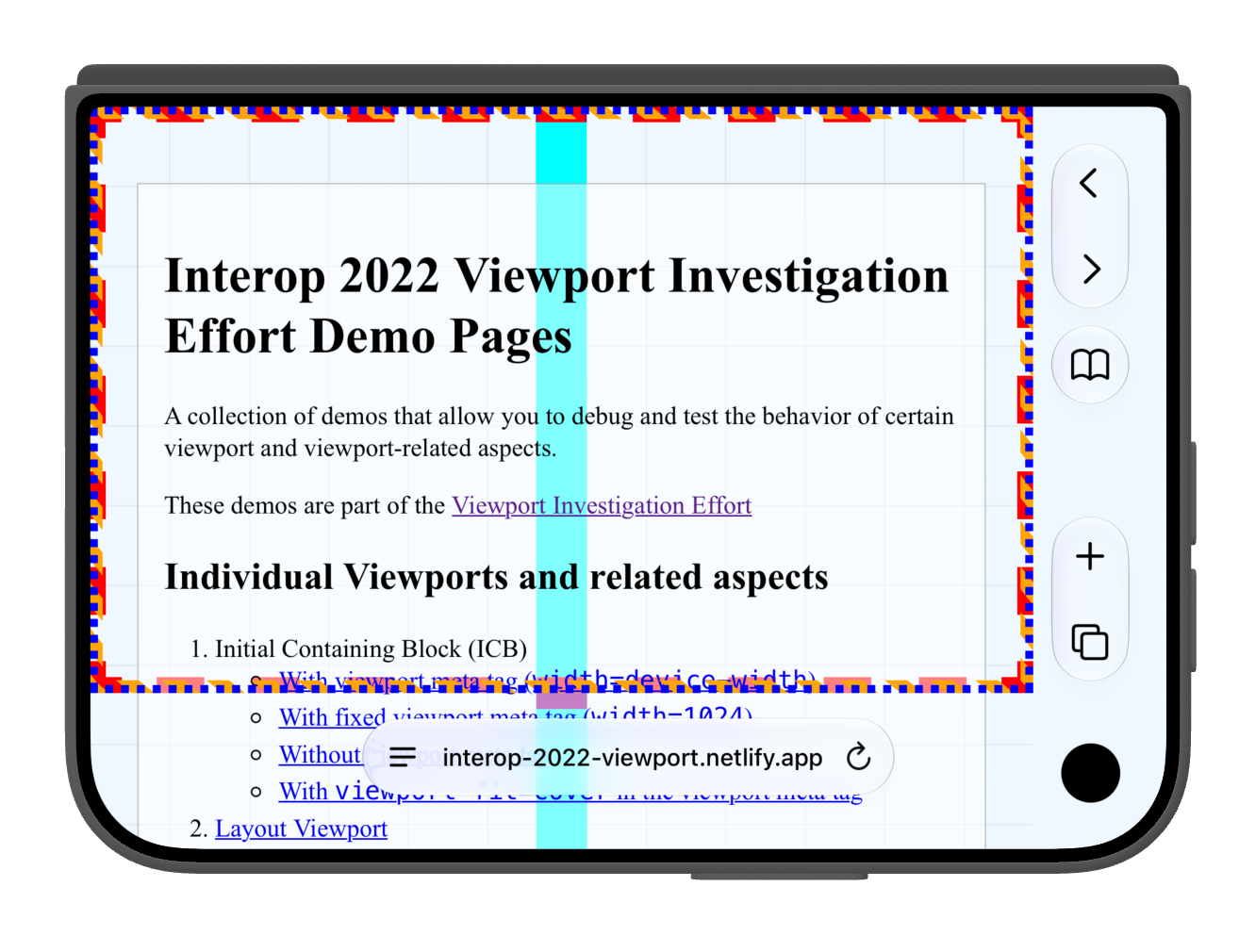
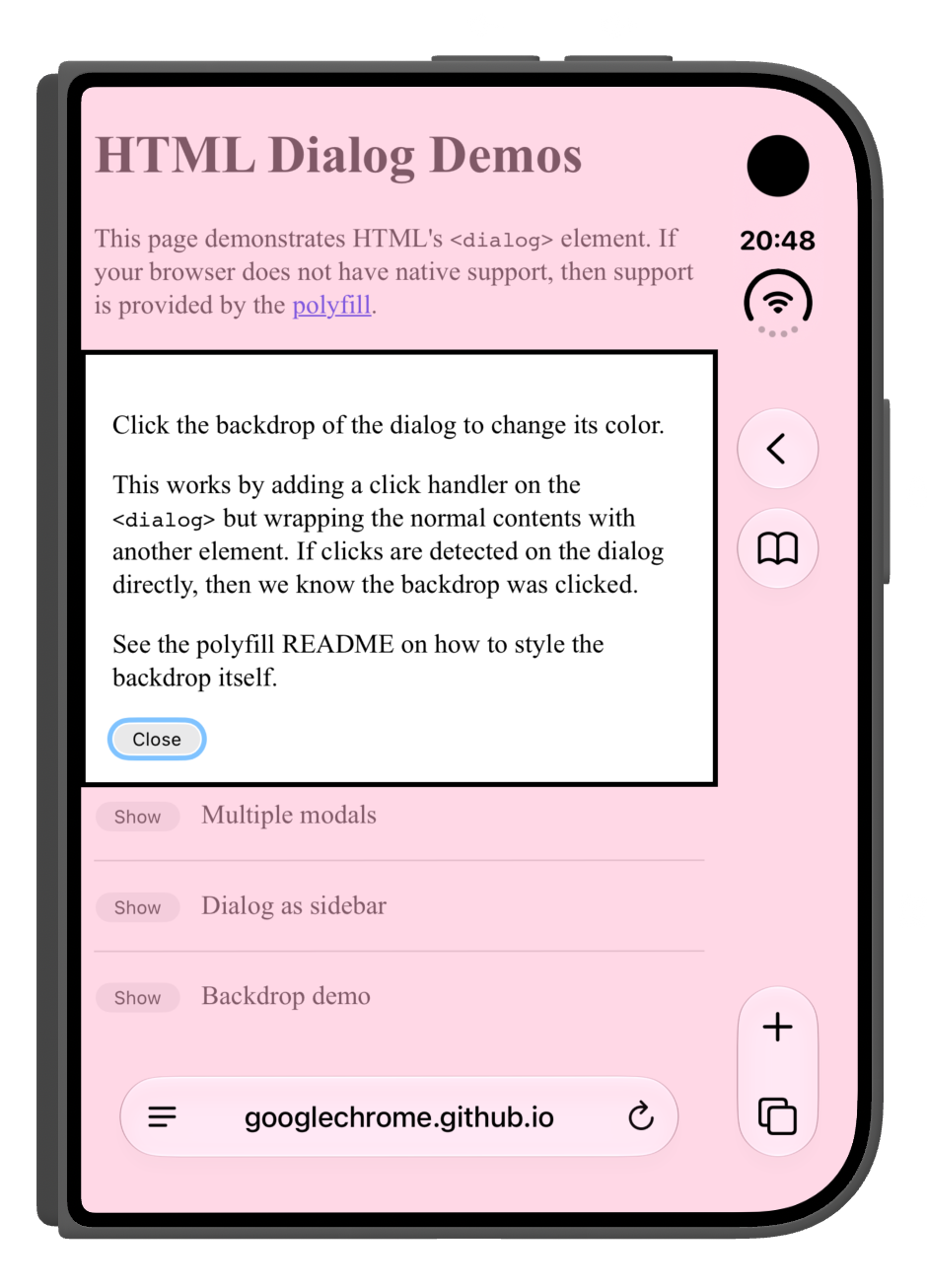
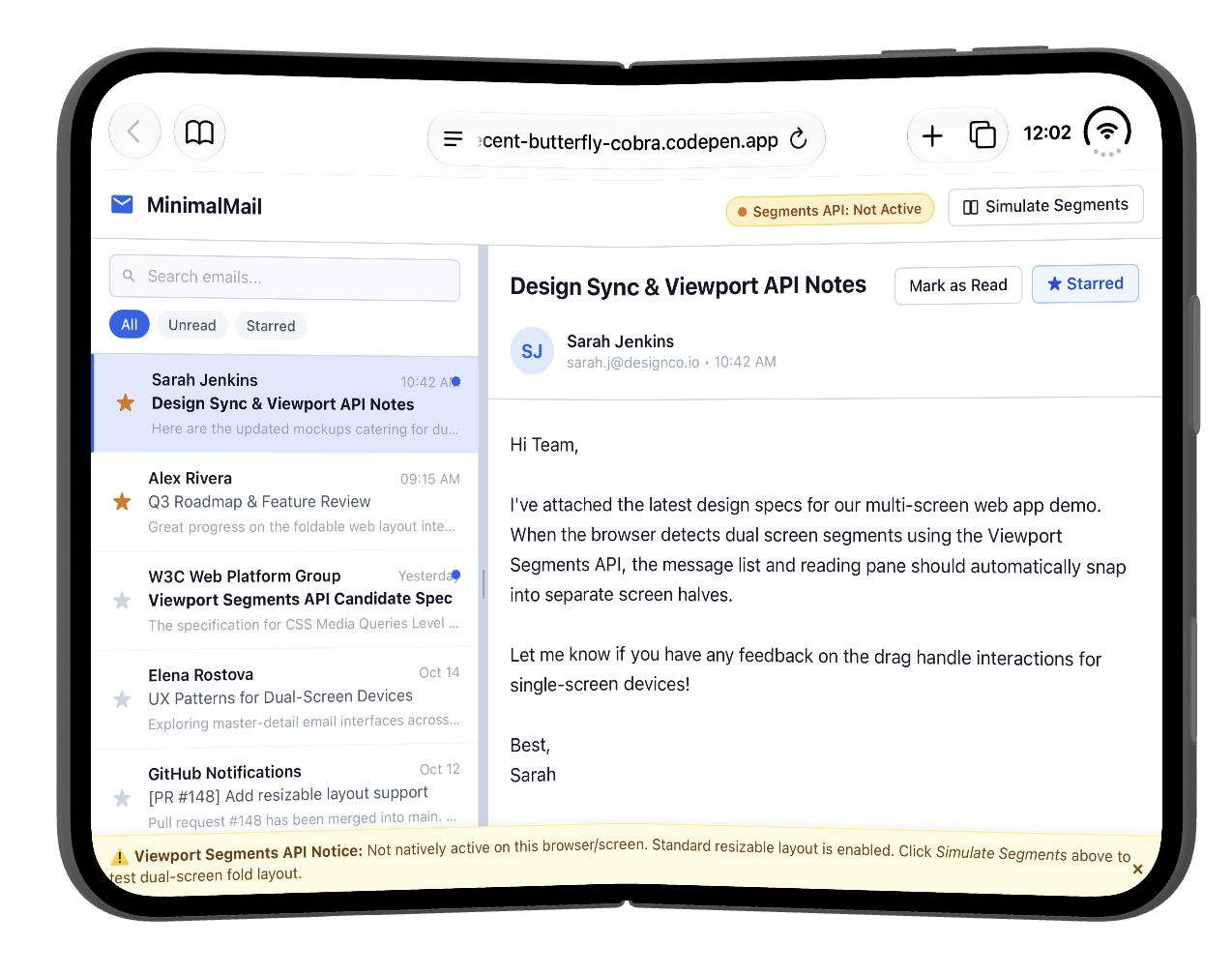
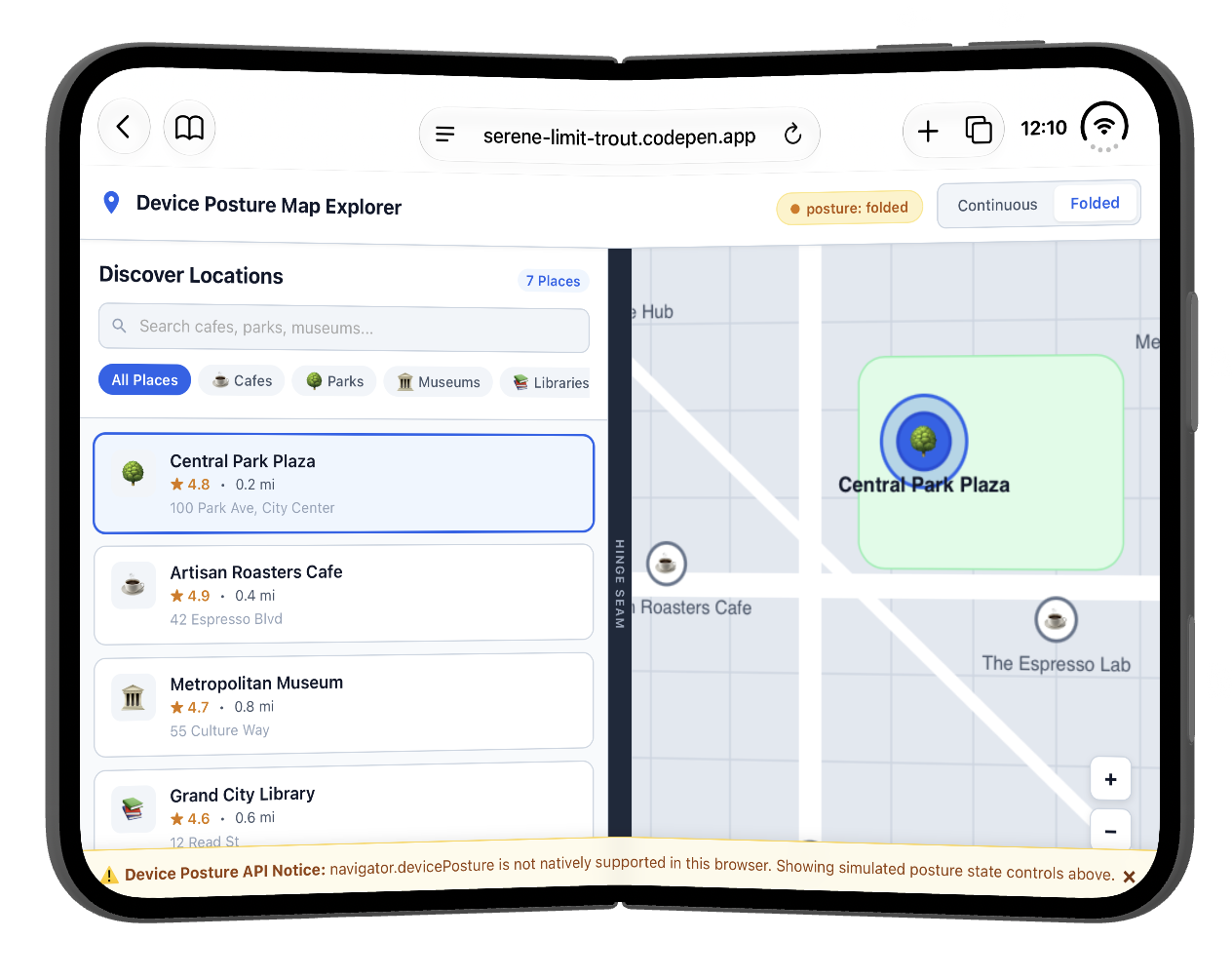
I am checking out viewports (and more) on the iPhone Duo and am documenting things over at Bluesky.
https://bsky.app/profile/bram.us/post/3mvvqnzqk3c2w
Some screenshots to get you started …
Two weeks from now Fronteers Dark Mode will happen in Dordrecht in The Netherlands. There are still a few tickets left. Be quick ⚠️
Join us for an afternoon and evening of great talks. With a spectacular line up: Anjana Vakil, @tunetheweb, @Cyd, @csswizardry and @heydon.
And let's not forget our amazing MC:
@jaffathecake.
Tickets are just €99 ⭐️ and a two-course dinner is included as well 🍽️ @fronteers members will get a 50 euro discount.
🎟️ www.fronteersconf.org
You can try it right here: https://codepen.io/editor/bramus/pen/01a09116-9ed5-79c0-8b5b-0cc4c73f6807 (in Chrome Canary + Experimental Web Platform Features flag)
Currently in Chrome Canary the popover gets shown on the button and the hover styles match on the button when hovering the ⓘ … if you find that weird, that might inform your answer.
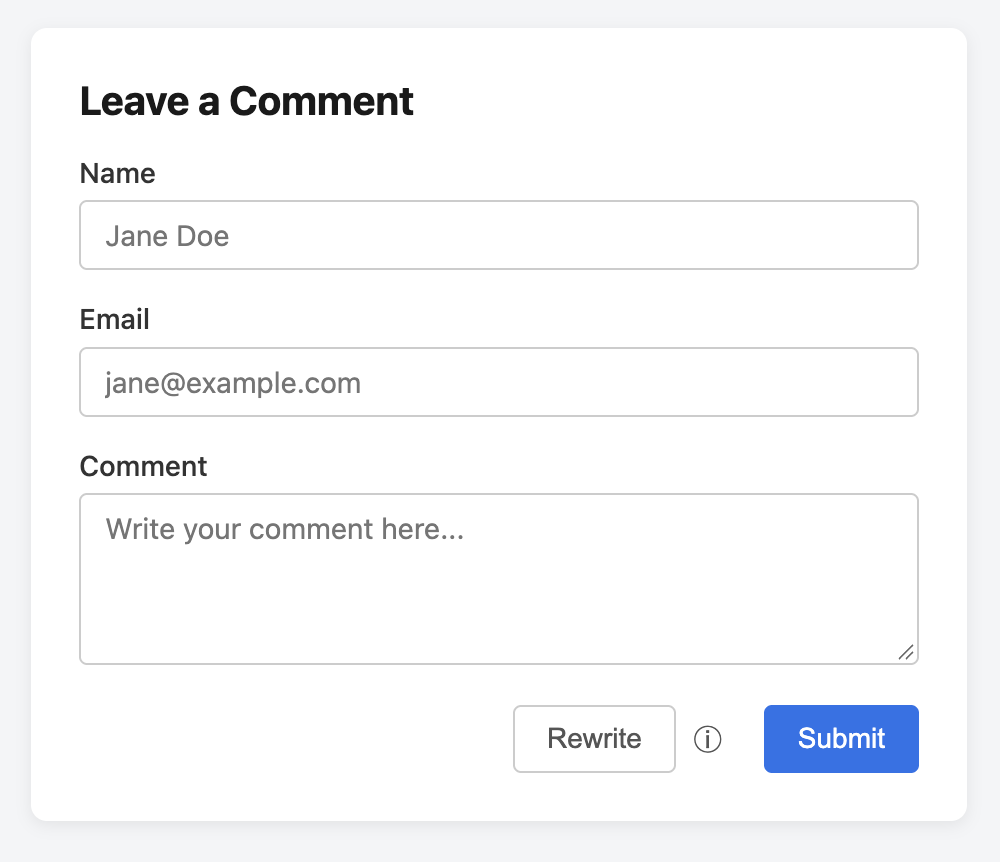
UI/UX Question
Say you have this “Rewrite” button with a little ⓘ icon next to it. Clicking/hovering that ⓘ shows a popover with extra info about the button.
Would you expect:
Q1: The popover to show above the button or the ⓘ?
Q2: The button to match `button:hover` while hovering the ⓘ?
(I have an opinion about it of course, but I’m interested to hear what you think)
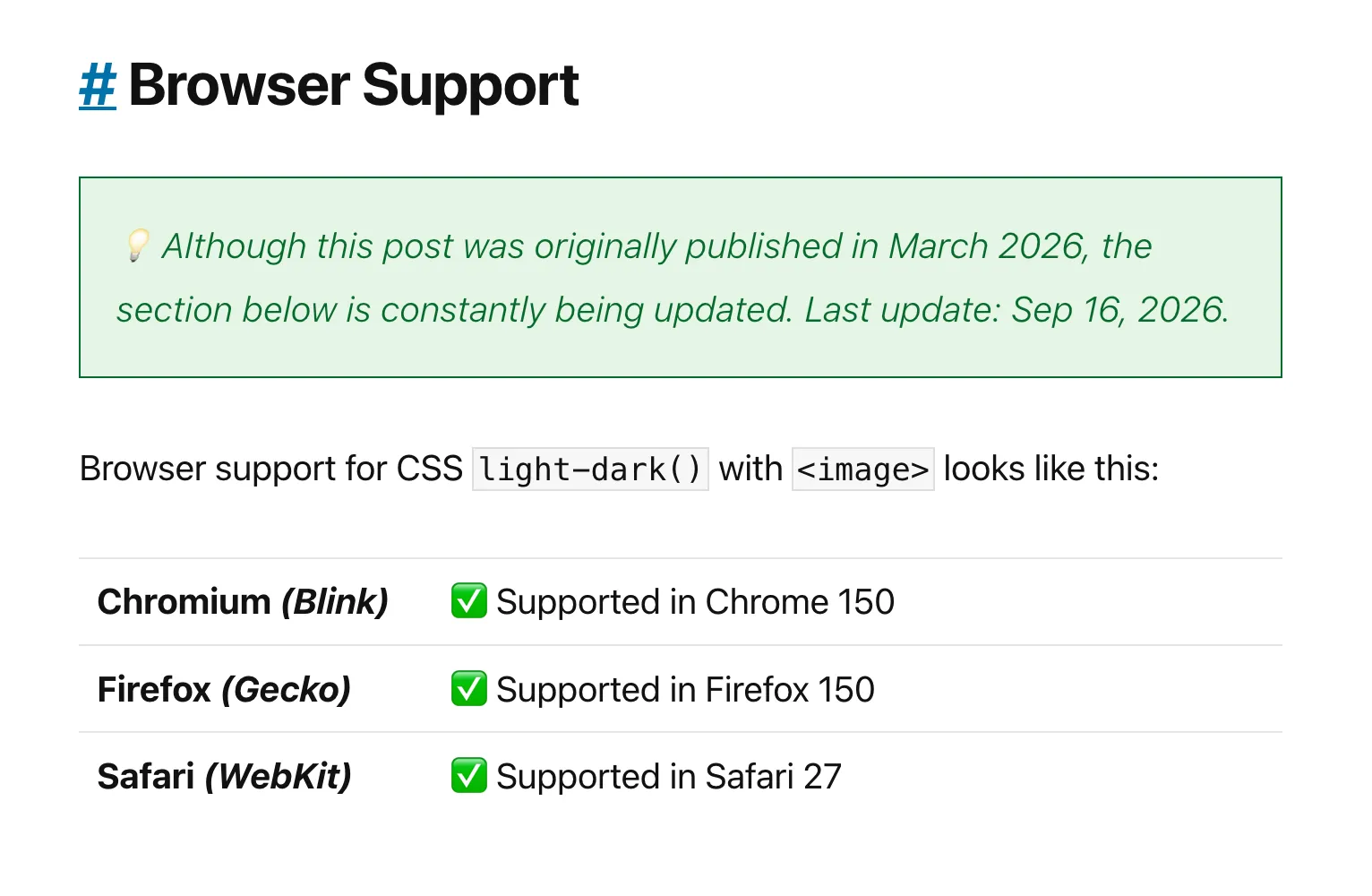
Always nice to do updates like this one 😊
Yes, CSS `light-dark()` with `<image>` values is now available in all major browser engines.
Check https://brm.us/light-dark-images to get the details.
@matuzo If you have time, could you take a quick peek?
#A11Y question
The A11Y aspects for this component were modeled after https://www.w3.org/WAI/ARIA/apg/patterns/combobox/examples/combobox-autocomplete-list/
AFAICT things are correctly set up: the `role=combobox` is there, the expanded state is dynamically communicated, the `aria-controls` are set pointing to a listbox, `aria-label` gets set when necessary, etc.
But: I am no A11Y expert … anyone here that can confirm I got things right? And if things are not right, could you point me in the right direction?
Bram.us
• Bramus!
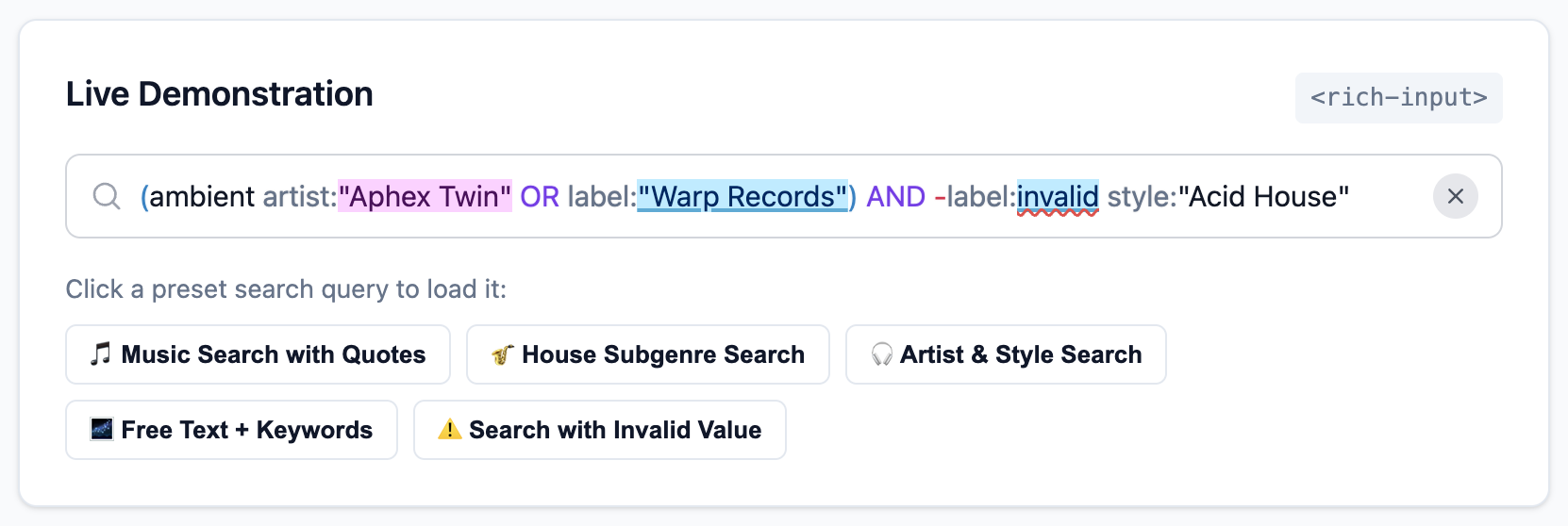
While working on a side-project to better navigate and search through my record collection, I found myself in need of a rich search input: one that accepts free-form text alongside structured filters like artist:“Aphex Twin” or label:“Warp Records” — You know, like the one you see on GitHub when searching/filtering issues.
When I quickly realized a standalone custom element for this didn’t exist yet, I nerd sniped myself into building curating one.
Original Content – Bram.us
• Bramus!
While working on a side-project to better navigate and search through my record collection, I found myself in need of a rich search input: one that accepts free-form text alongside structured filters like artist:“Aphex Twin” or label:“Warp Records” — You know, like the one you see on GitHub when searching/filtering issues.
When I quickly realized a standalone custom element for this didn’t exist yet, I nerd sniped myself into building curating one.
Yesterday evening I nerd sniped myself (again) into building a new component: `<rich-input>`
A rich input field that acts like a regular `<input type="text">`, enhanced with contextual keyword-based autocompletion (`keyword:value`) and in-input highlighting powered by `<datalist>`, the OpaqueRange API, and the CSS Custom Highlight API.
Current Status: “You are not wrong at all — it is completely useless.”
Original Content – Bram.us
• Bramus!
About a month ago, WebKit gained support for interactive-widget. While it’s not clear whether this will end up in Safari or not, this is pretty exciting news: If you have ever had a virtual keyboard obscure your fixed navigation bar, then interactive-widget is for you.
This post details a quick recap of what the feature does, how we got here, and a sneak peek at it running in WebKit.
Bram.us
• Bramus!
About a month ago, WebKit gained support for interactive-widget. While it’s not clear whether this will end up in Safari or not, this is pretty exciting news: If you have ever had a virtual keyboard obscure your fixed navigation bar, then interactive-widget is for you.
This post details a quick recap of what the feature does, how we got here, and a sneak peek at it running in WebKit.